
Best Digital Marketing Strategies for Roofing Contractors
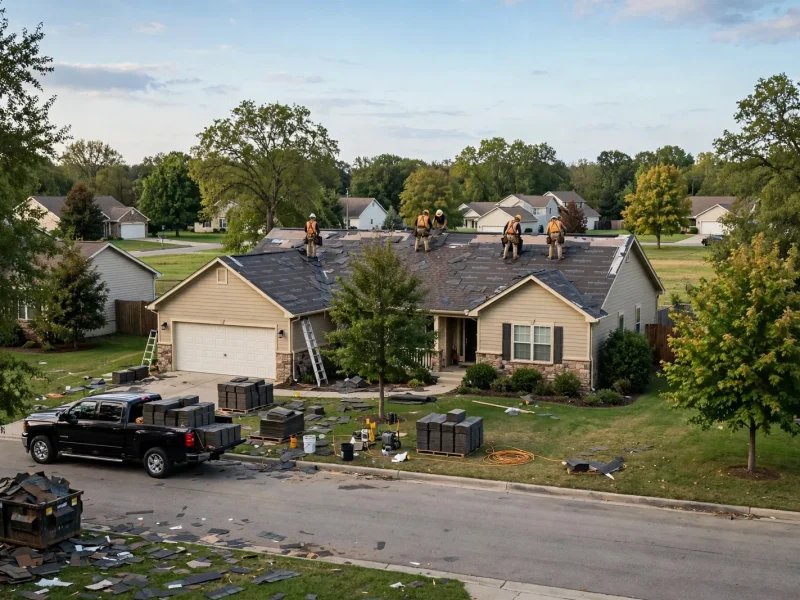
A roof is among the biggest, least planned purchases a homeowner makes. A leak appears, shingles land in…
Read MoreReviews are the #1 factor in local search rankings and consumer trust — and yet most contractors have fewer than 50 Google reviews. Here’s how Contractors Get Reviews on autopilot in 90 days.
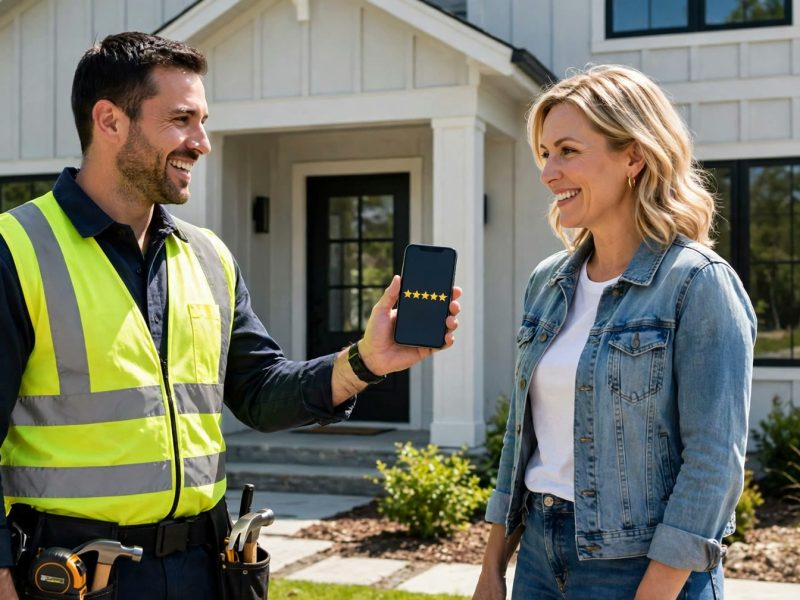
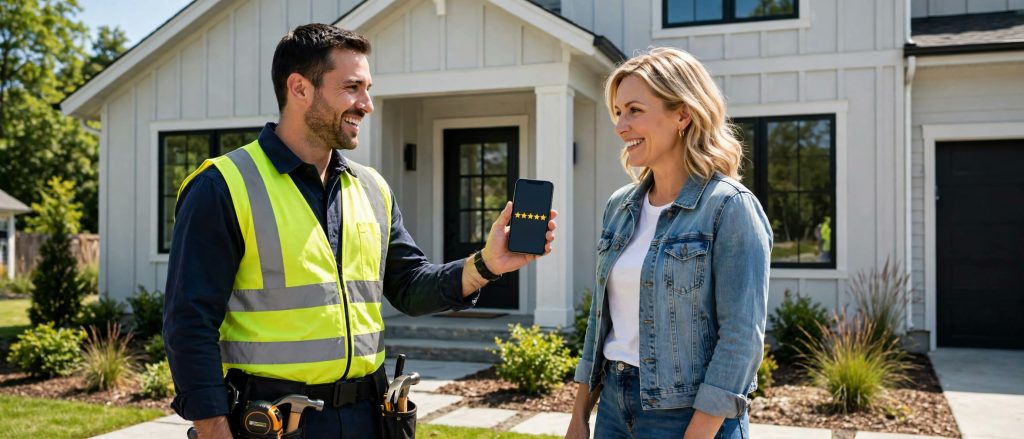
Step 1 — Time your ask. The moment of highest customer happiness is immediately after job completion, before payment. Ask verbally, then follow up with an SMS within 60 minutes.
Step 2 — Use SMS, not email. SMS open rates hover around 98%. Email open rates for review requests are under 20%. There is no comparison.
Step 3 — Send a smart link. Not to your homepage — to a page that filters. Happy customers (4-5 stars) get sent to your Google review link. Unhappy customers (1-3 stars) get routed to a private feedback form so you can fix the problem before it becomes public.
Step 4 — Follow up. If the review isn’t left within 48 hours, send one polite reminder. That single reminder recovers 22% of no-shows in our data.
Step 5 — Respond to every review — good and bad. Google’s algorithm rewards engagement. And prospective customers read your responses more carefully than they read the reviews themselves.
Most happy customers are willing to leave a review; they simply forget once normal life takes over. Asking once, weeks later, or relying on a card left on the kitchen table puts the effort on the customer, and the moment passes.
Companies that collect reviews consistently treat it as part of the job, not an extra. The request happens at a set point in the process, in a set way, every single time. That is the difference between hoping for reviews and running a system.
The best time to ask is when the customer has just seen the finished work and is pleased with it. The final walkthrough, the completion call, or the day you send the invoice are natural points to raise it.
Keep the request simple and pressure-free. Thank them for their business, explain that reviews help other homeowners choose a contractor with confidence, and tell them a short message with a link is on the way.
Every extra step loses reviewers. Send a direct link that opens your Google review form, not your homepage and not a page of instructions. A short text message works well because it arrives on the device the customer already uses.
Your message should be brief: who it is from, a thank-you, the link, and nothing else competing for attention. If the customer needs to search for your business or remember a password, most will quietly give up.
This is where contractors get reviews on autopilot. Add the review request to the same follow-up sequence you already use after a job: a thank-you message, the review link, and one polite reminder if there is no response after a few days.
Tools your company may already use, such as a CRM or invoicing software, can often send these messages automatically when a job is marked complete. Automation keeps the system running on busy weeks, when manual requests are the first thing to be forgotten.
Responding to reviews shows future customers how you treat people, including when something went wrong. Thank reviewers by name, mention the work that was done, and keep replies short and genuine.
For a negative review, reply calmly, avoid arguing in public, and offer to discuss the issue directly. Never post fake reviews, ask staff to pose as customers, or offer rewards in exchange for a review. Those shortcuts risk penalties and, more importantly, the trust the system is meant to build.
Reviews should not live only on Google. Feature recent reviews on your website’s service pages, share them on social media, and include them in estimates and follow-up emails. Strong social proof helps convert the traffic your other marketing produces.
Over time, a steady review system improves your visibility in local search and raises the conversion rate of everything else you do. Few marketing habits offer both benefits at once. That compounding effect is why Contractors Get Reviews faster every year they keep the system running.
If your review count has stalled while competitors keep climbing, the fix is process, not luck. Learn about our Google reviews management for contractors, or contact Contractors Marketing Pros to put a simple system in place. That process is how Contractors Get Reviews on autopilot instead of by chance. Resource: Google’s official review policies at https://support.google.com/business/answer/3474122 explain which reviews can be removed.
No. Asking every customer for honest feedback is fine, but filtering so only happy customers can review, often called review gating, goes against Google’s policies and can lead to reviews being removed. It also produces an unrealistic profile that homeowners learn to distrust. A steady flow of genuine reviews, including a few balanced ones with professional replies, is far more convincing. That steady stream is exactly how Contractors Get Reviews without chasing them.
Reply calmly and factually without sharing customer details in public, and report the review through your Google Business Profile if it violates Google’s policies, for example if it is clearly fake or from someone who was never a customer. Then keep collecting genuine reviews. A strong body of real feedback reduces the impact of any single unfair comment. That ongoing habit is how Contractors Get Reviews that keep working for you.
A roof is among the biggest, least planned purchases a homeowner makes. A leak appears, shingles land in…
Read More
Plenty of Miami home improvement companies do not have a traffic problem. Their ads get clicked, their website…
Read More
When an Orlando homeowner finds a cracked limb hanging over their roof, they do not ask a neighbor…
Read More